
Summary: in this tutorial, you will learn step-by-step how to develop the first simple but famous program called C Hello World.
A C program consists of functions. A C program always starts executing in a special function called
main() function. The following is the C Hello World program that displays a greeting message on the screen.
1
2
3
4
5
6
|
#include <stdio.h>
main()
{
printf("Hello World!\n");
return 0;
}
|
Let’s examine the program in more detail.
- First, we have the
#includedirective. Every directive in C is denoted by a hash (#) sign. C program uses this directive to load external function library. In the program, we used thestdio.hlibrary that provides standard input/output functions. We used theprintf()function, which is declared in thestdio.hheader file, to display a message on the screen. - Next, you see the
main()function. The main() function is the entry point of every C program. A C program logic starts from the beginning ofmain()function to its end. - Third, you notice that we used the
printf()function that accepts a string as a parameter. Theprintf()function is used to display a string on the screen. Themain()function is supposed to return an integer so we put thereturn 0statement at the end of the program. You can omit thereturnstatement, which is fine.
Developing C Hello World program in CodeBlocks IDE
In the following section, we will show you step-by-step running the C Hello World using CodeBlock IDE. If you don’t have any C IDE installed in your system, you can setup CodeBlocks IDEB by following the setting up C development environment tutorial.
Launch the IDE, and create a project from the menu File > New > Project…

Choose Console application
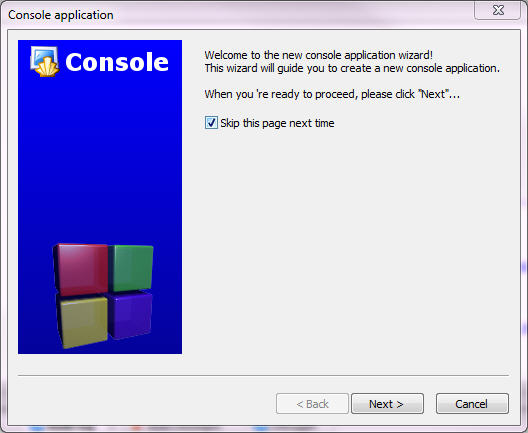
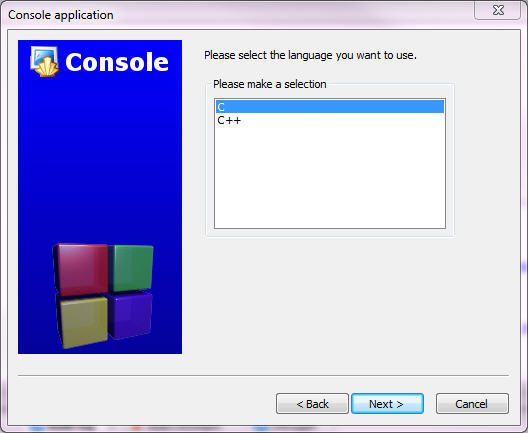
Choose C language
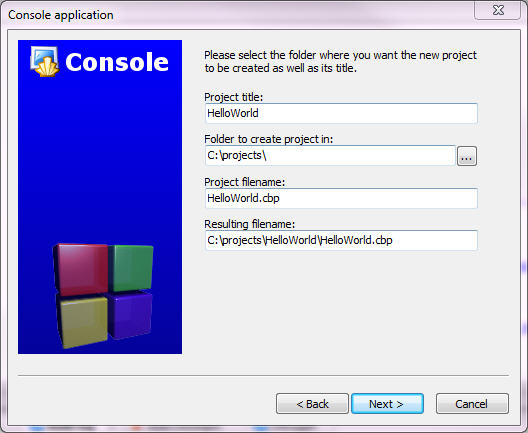
Enter project name and folder to create project
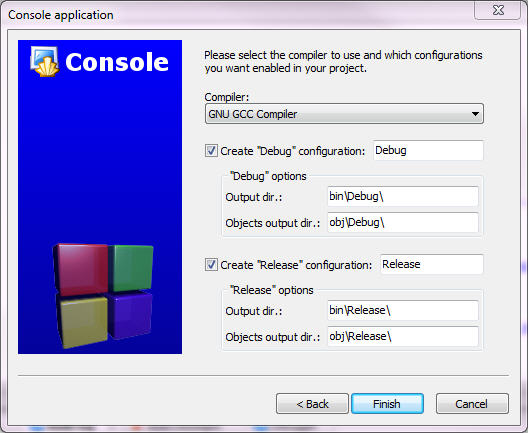
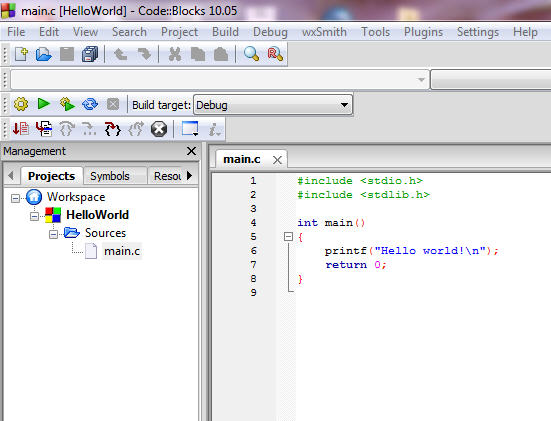
Click Run button you will see the console window display the Hello world! message

Congratulation! You have been successfully developing and running the first C Hello World program. Let’s go to the next tutorial to explore the power of C programming language. Enjoy programming with C!


0 comments:
Post a Comment